

Trifold brochure layout guide: panels, folds, and sizes


A trifold brochure looks simple until you build the file and the panels do not line up when it folds. The detail almost everyone misses: the panel that folds inside has to be slightly narrower than the other two, or it buckles against the fold. This guide gives the exact panel dimensions for every common paper size, the fold options, and the setup rules that make a trifold print and fold correctly the first time.
The six panels of a trifold
A trifold is a single sheet folded twice into three sections, which gives you six panels — three on the outside and three on the inside. They are not interchangeable: each panel has a job, and the reading order depends on the fold.
Critically, on a letter fold the three panels are not equal thirds. The panel that tucks inside must be about 1/16 inch (0.0625 in) narrower than the other two so it does not crowd the fold and cause the brochure to bow.
Exact panel sizes by paper size
Measured across the wide edge, outer panels first, fold-in panel last:
- Letter, 8.5 x 11 in (landscape): left 3.69 in, right 3.69 in, fold-in center 3.62 in — totaling 11 in.
- Legal, 8.5 x 14 in (landscape): two outer panels 4.67 in, fold-in panel 4.66 in — totaling 14 in.
- A4, 297 x 210 mm (landscape): two outer panels 99 mm, fold-in panel 99 mm (A4 divides evenly enough that a 1 mm shave on the fold-in panel is enough) — totaling 297 mm.
- 11 x 17 in (landscape): two outer panels 5.67 in, fold-in panel 5.66 in.
The height stays the full short dimension of the sheet (8.5 in for letter and legal, 210 mm for A4).
Fold types
Decide the fold before you lay out panels, because it changes which panel must be narrower and the reading order:
- Letter fold (also called C-fold or tri-fold): the two outer panels fold over the center panel like a letter going into an envelope. The fold-in (right) panel is the narrow one. Most common.
- Z-fold (accordion): the panels fold in alternating directions, forming a Z, so the whole thing pulls open flat in one motion. Because no panel wraps inside another, the panels can be equal thirds.
- Gate fold and double-parallel fold are related multi-panel options, but the letter fold and Z-fold cover the vast majority of trifolds.
Setting up the file
- Bleed: extend background art 1/8 inch (0.125 in) past every outer edge.
- Margins / safe zone: keep text at least 1/4 inch from every trim edge and every fold, so nothing is cut off or lost in a crease.
- Fold guides, not fold lines: mark the fold positions on a separate guide layer. Do not print visible fold lines unless you intend them as a design element.
- Two artboards: build the outside and the inside as two separate 11 x 8.5 (or your size) spreads, so front and back align back-to-back.
- 300 DPI images, CMYK color for print.
Panel-by-panel content plan (letter fold)
Reading the way a customer opens it:
- Outside, right panel: the front cover — logo, headline, hero image.
- Outside, center panel: the back — contact details, address, a call to action or map.
- Outside, left panel (the fold-in): the first thing seen when the cover is lifted; use it for an intro or a teaser.
- Inside, three panels: the main content spread, read left to right once fully opened. This is where the detail, features, or offer goes.
Stock and folding
- Text weight (100 lb text / 150 gsm) folds cleanly and is the standard for a brochure you print in volume.
- Cover weight (80–100 lb cover) feels premium but must be scored before folding, or the coating cracks along the fold.
- Matte or gloss coating both work; matte is easier to write on and reads as more editorial.
Common mistakes to avoid
- Making all three panels equal on a letter fold — the fold-in panel then buckles.
- Putting text or logos across a fold line.
- Forgetting bleed, which leaves white edges after trimming.
- Designing the outside and inside separately so they do not line up back-to-back.
Printing folded collateral
If you print folded or pocketed marketing pieces, our certificate folders and 3-prong folders run on related stocks and finishing lines. For print and box dimensions in general, see our length, width, height guide.
Frequently asked questions
What are the panel sizes for a trifold brochure?
On an 8.5 x 11 letter fold: two outer panels at 3.69 in and a fold-in panel at 3.62 in. The fold-in panel is about 1/16 in narrower.
Why is one panel of a trifold smaller?
Because it folds inside the other two. If it were the same width it would crowd the fold and make the brochure bow.
How many panels does a trifold have?
Six — three outside and three inside — from two folds in one sheet.
What is the difference between a letter fold and a Z-fold?
A letter fold wraps the outer panels over the center (one panel must be narrower). A Z-fold zig-zags so all panels can be equal and it opens flat.
How much bleed and margin does a trifold need?
1/8 in bleed on outer edges, and keep text 1/4 in away from trims and folds.
The one rule to remember: on a letter-fold trifold, make the inside fold-in panel about 1/16 inch narrower than the outer two, and everything folds flush.
Related reading
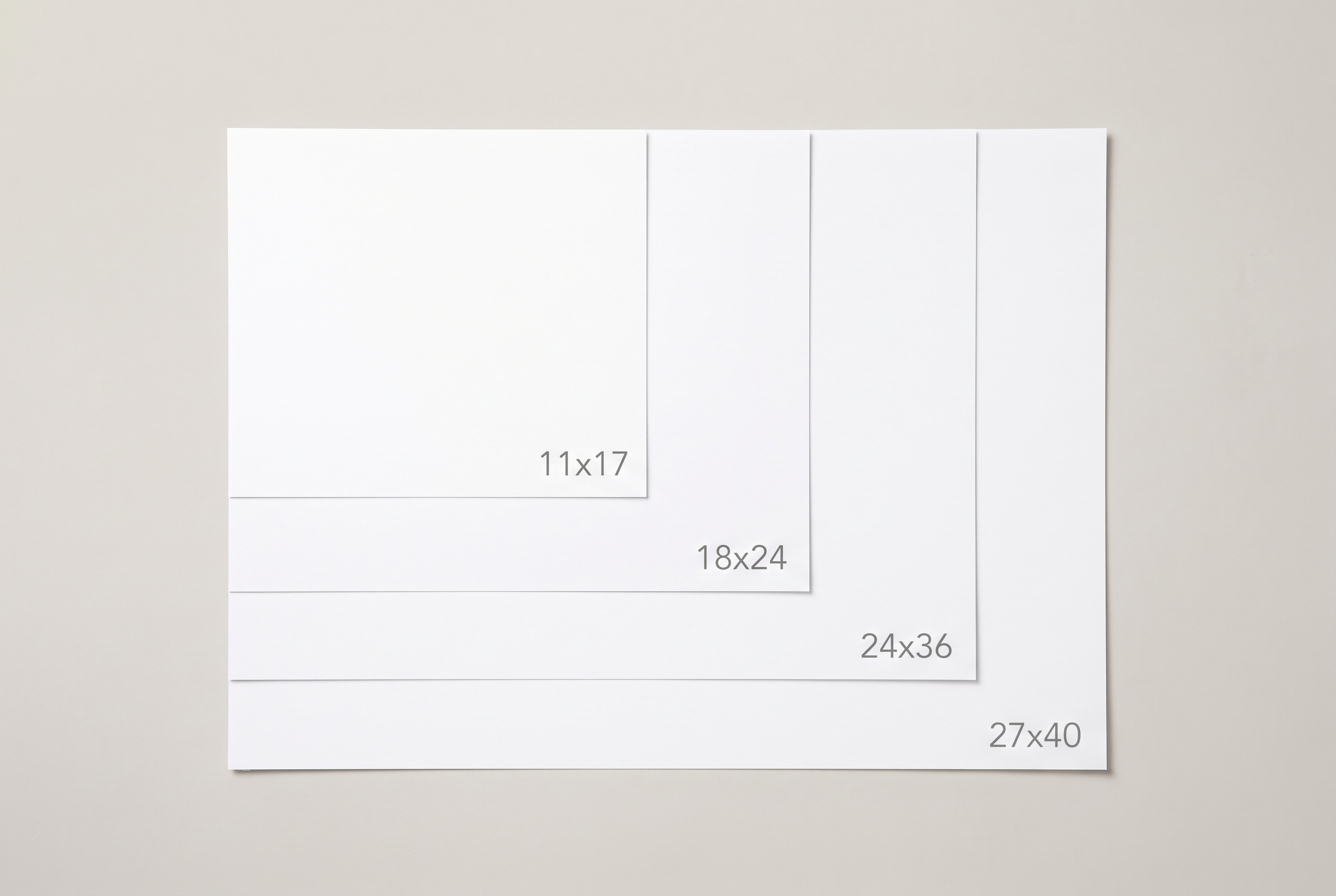
Standard poster sizes: which one to use and when
The standard poster sizes and where each one fits: 11×17, 18×24, 24×36 and 27×40. Dimensions in inches and cm, plus how to set your file so it prints sharp.
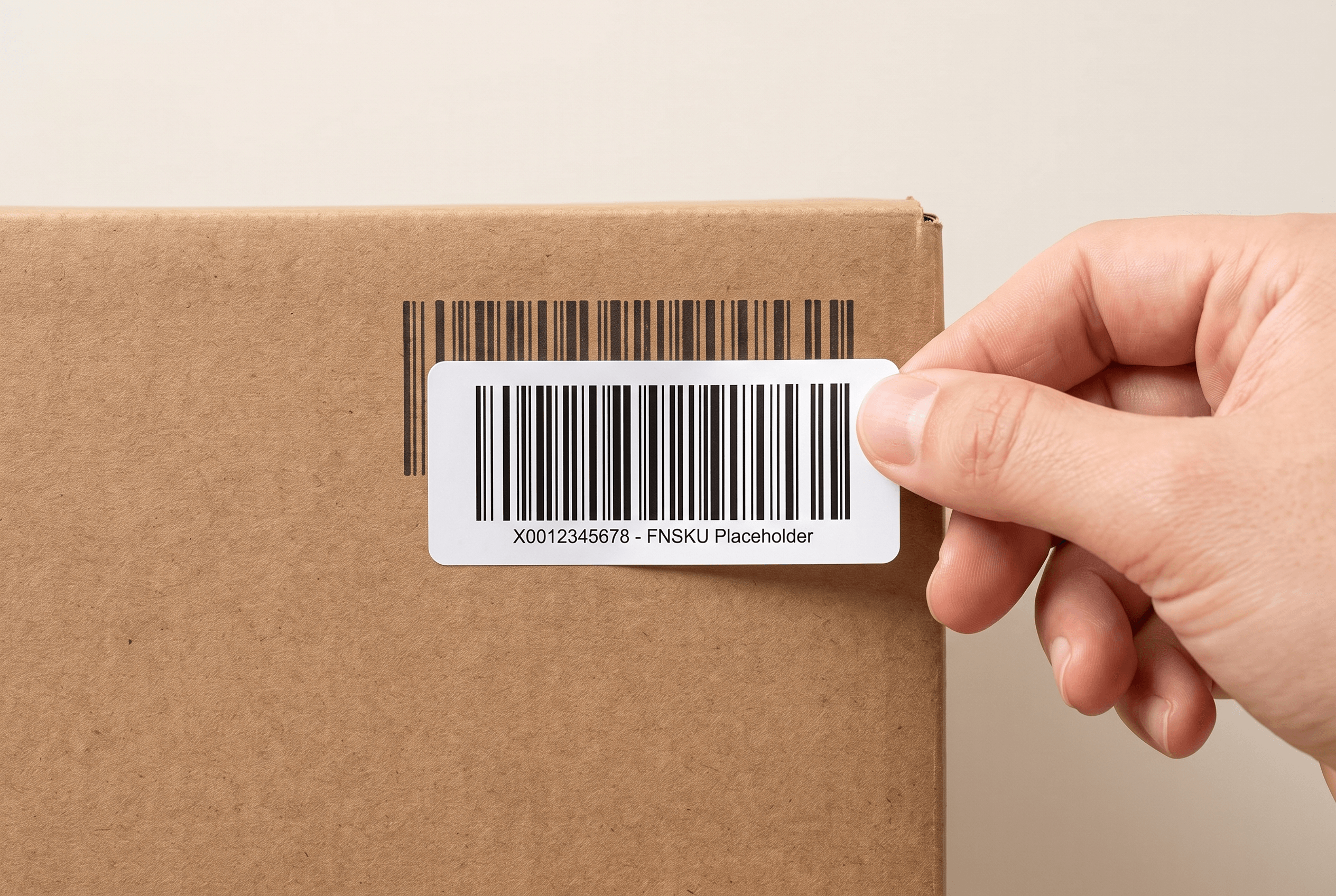
Amazon FBA label requirements: size, format and placement
What Amazon requires of FBA labels: the 1×2 to 2×3 inch size, thermal or laser print, one FNSKU per unit over the old barcode, and the mistakes that get shipments held.

How to measure a bottle or jar for a label
Two numbers set a bottle or jar label: circumference and label height. Here is how to measure both, how much overlap a wrap needs, and where curves cause trouble.
Ready to print your packaging?
Get an instant quote in minutes — low minimums, fast turnaround, and finishes that make your brand pop.