

What does collate mean in printing?

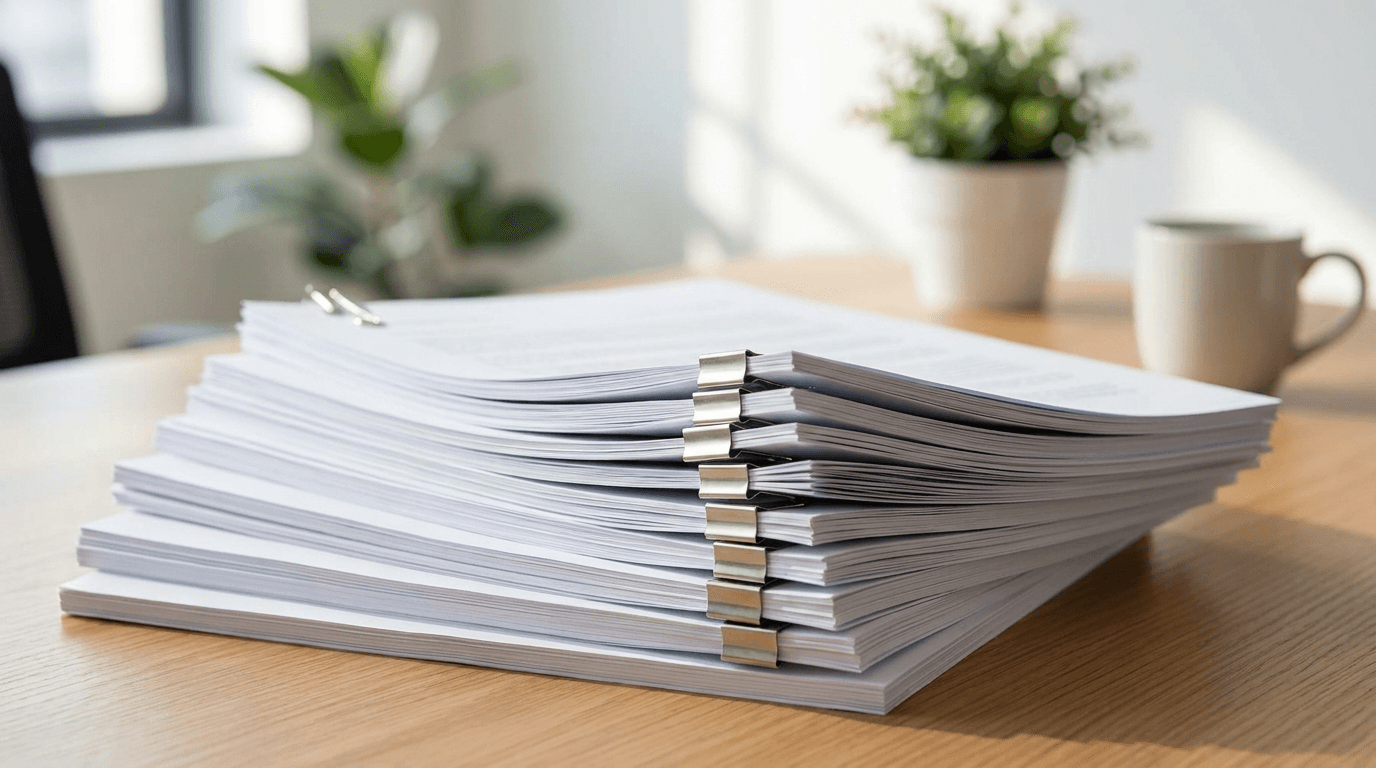
You hit print on a 10-page document, ask for 5 copies, and a checkbox says "collate." Tick it or not? The difference decides whether you spend the next ten minutes sorting paper by hand.
The simple definition
Collate means the printer produces complete, ordered sets. For five copies of a three-page document, collated gives you 1-2-3, 1-2-3, 1-2-3, and so on: five finished booklets ready to staple.
Uncollated does the opposite. It prints all the copies of page one, then all of page two, then all of page three: 1-1-1-1-1, 2-2-2-2-2, 3-3-3-3-3. You end up with neat stacks of single pages that you then have to interleave yourself.
When to collate
Turn collate on whenever the output is meant to be read or handed out as a set: reports, handouts, contracts, booklets, anything multi-page that goes to a person. The printer does the sorting so you don't.
When to leave it off
Uncollated is useful in a few specific cases. If you are printing one page in bulk, say 200 copies of a single flyer, collation is irrelevant. And if you plan to bind or pad the sheets by page, like a tear-off notepad where every sheet is identical, you want all the same pages stacked together.
A note for print buyers
If you are ordering printed booklets, folders, or document sets from a commercial printer, "collated" is usually the default and is built into the finishing quote. The same goes for two-pocket presentation folders that hold a set of pages: see our 3-prong folders for binding hole-punched, collated sets.
So: collated for finished sets in order, uncollated for stacks of identical pages. For almost every real document, you want it collated.
Related reading
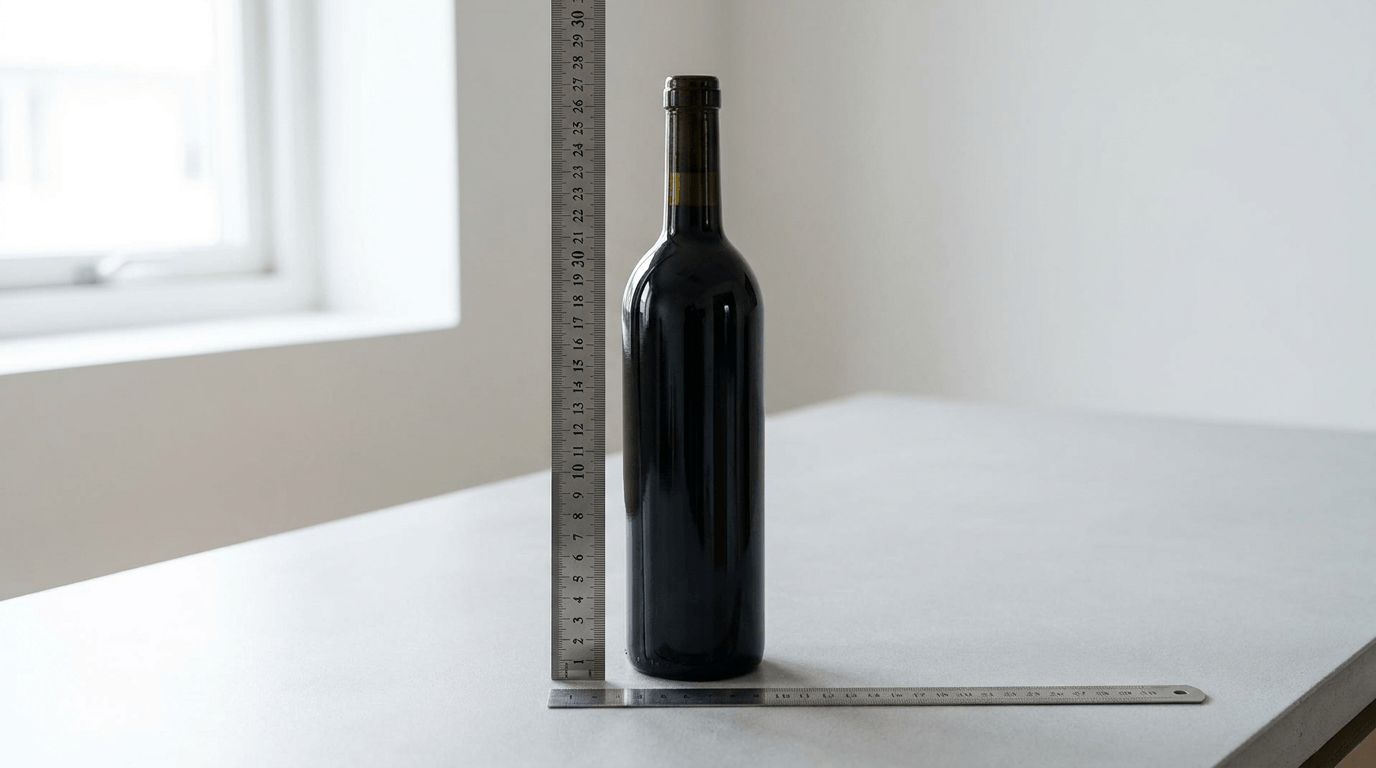
750 ml bottle dimensions: how big is a standard bottle?
A standard 750 ml wine bottle is about 11.5-12 in tall and 3-3.2 in in diameter. Here are the real dimensions for wine, spirits and champagne bottles.
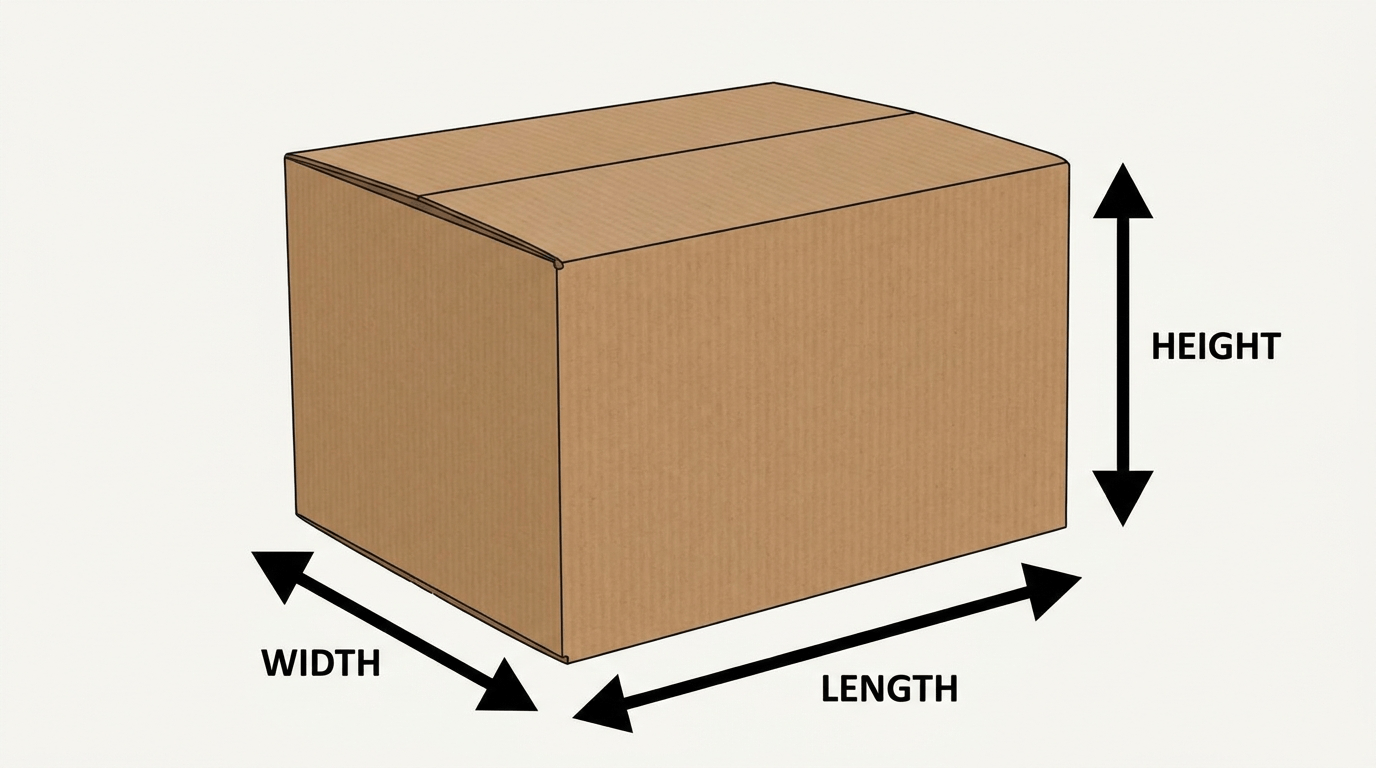
Length, width, height: which is which on a box?
Box dimensions are written length x width x height. Length is the longest top edge, width the shorter top edge, height the depth. Here is how to measure correctly.
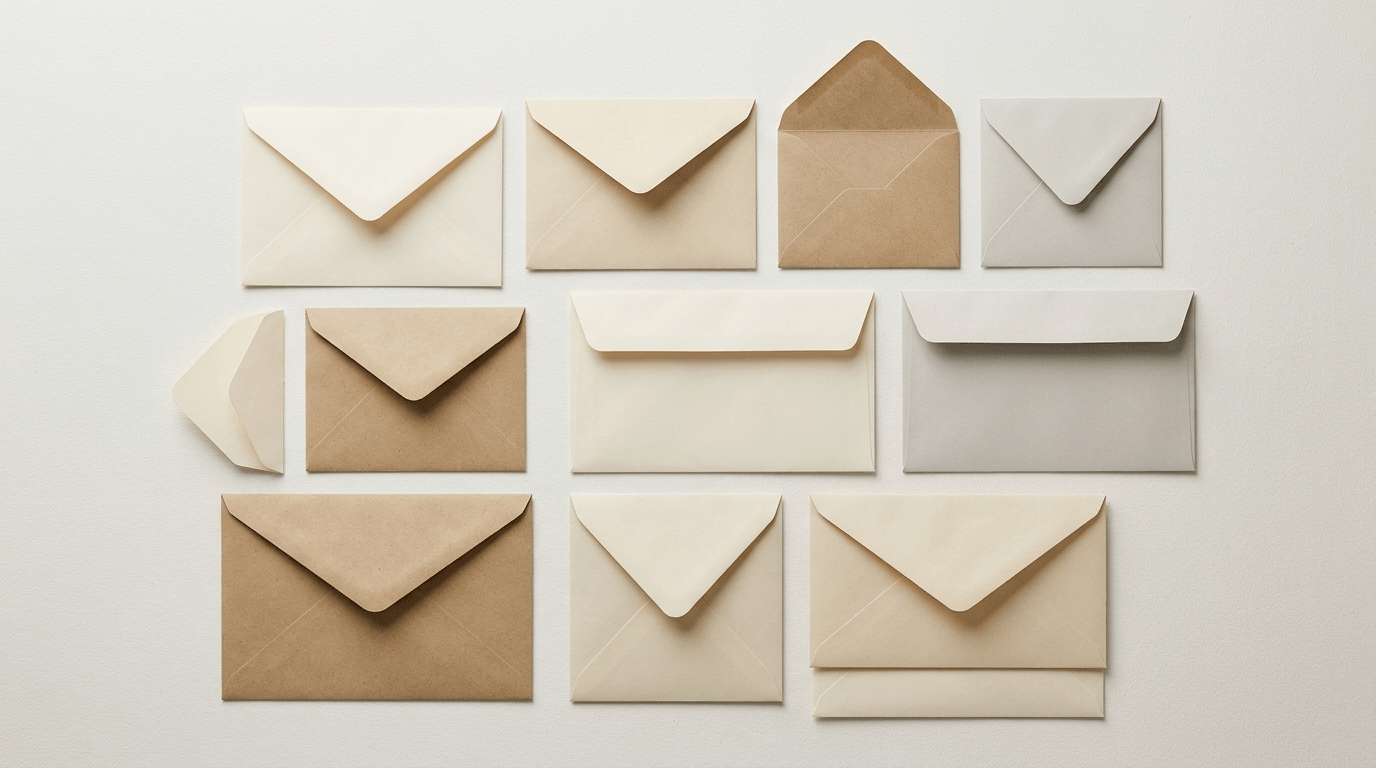
What is the size of a standard envelope?
A standard US business envelope (#10) is 4.125 x 9.5 inches. Here are the common envelope sizes for letters, invitations and mailers, with what fits each.
Ready to print your packaging?
Get an instant quote in minutes — low minimums, fast turnaround, and finishes that make your brand pop.